
Every resolution
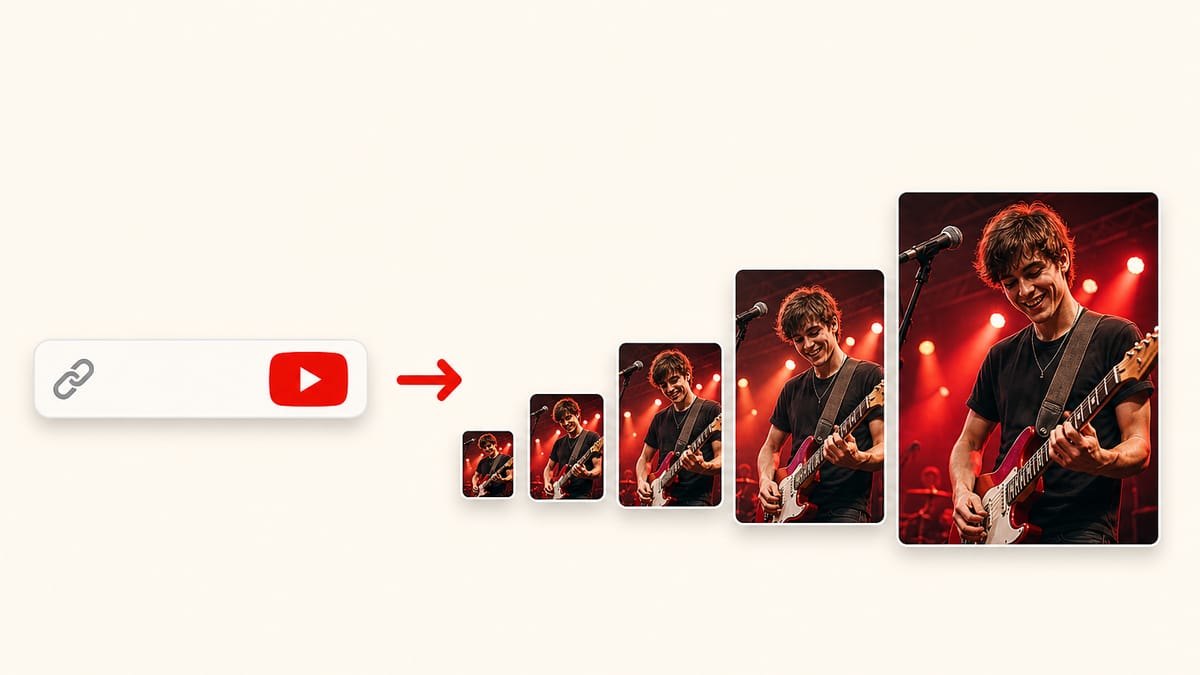
See default, medium, high (480×360), standard (640×480) and maxres 1280×720 side by side, then save the one you need.
Free · No signup · Nothing uploaded
Free browser tool to download YouTube video thumbnails in HD, HQ, SD and default sizes. It runs in your browser, with nothing uploaded.
YouTube Thumbnail Downloader
Browser only
No thumbnail files were available for this video.
Features
Concrete things YouTube Thumbnail Downloader does.
See default, medium, high (480×360), standard (640×480) and maxres 1280×720 side by side, then save the one you need.
Works with full watch URLs, youtu.be short links, Shorts URLs and bare 11-character video IDs — no cleaning up required.
Thumbnails load directly from YouTube's CDN in your browser; your links never touch our server and nothing is stored.
Free to use with no sign-up, no email and no watermark added to the image you download.
What it is
YouTube Thumbnail Downloader is a free browser tool that fetches the preview image of any public YouTube video. Paste a watch URL, a youtu.be short link, a Shorts link, or the raw 11-character video ID, and it pulls every resolution YouTube generated — from the tiny 120×90 default up to 1280×720 maxres — straight from YouTube's own image servers.
Those files already live at a public address: img.youtube.com/vi/VIDEO_ID/maxresdefault.jpg, plus four smaller names. This page only reads the 11-character ID and requests those URLs in your tab. It does not transcode the image, it does not keep the link, and it does not need an API key.
When maxres does not exist, YouTube often still answers with the 120×90 default instead of a 404. The grid hides that stand-in. That is the difference between saving the real HD file and saving a postage stamp that some tools still label “maxres”.
How to use
Use YouTube Thumbnail Downloader in three quick steps.
Step 1
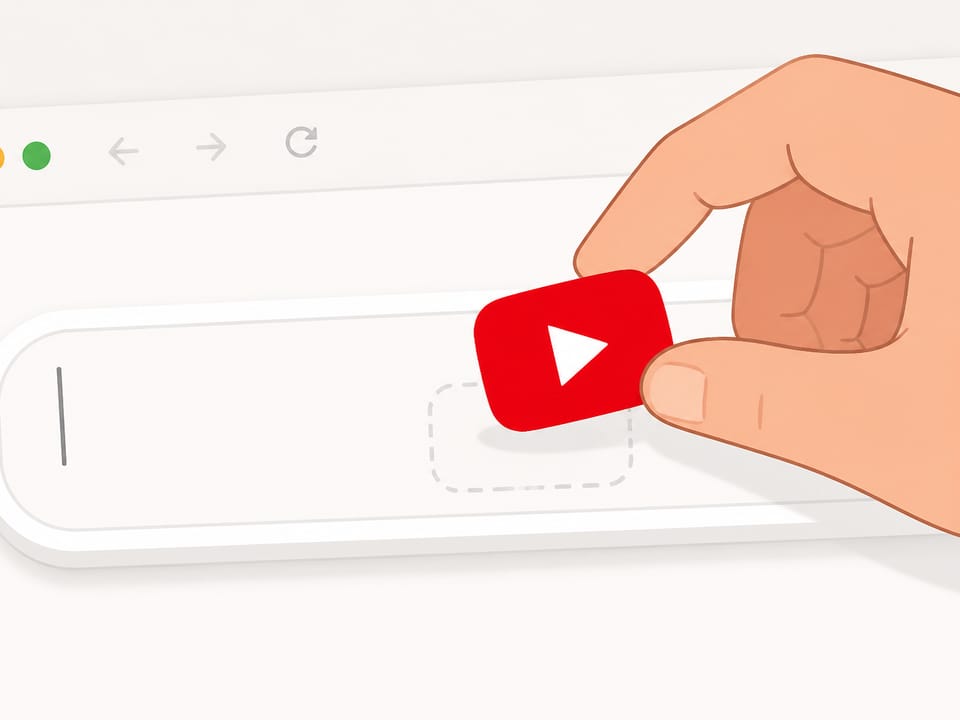
Copy the YouTube URL from your address bar or the share button and paste it into the box. A raw video ID works too.
Step 2
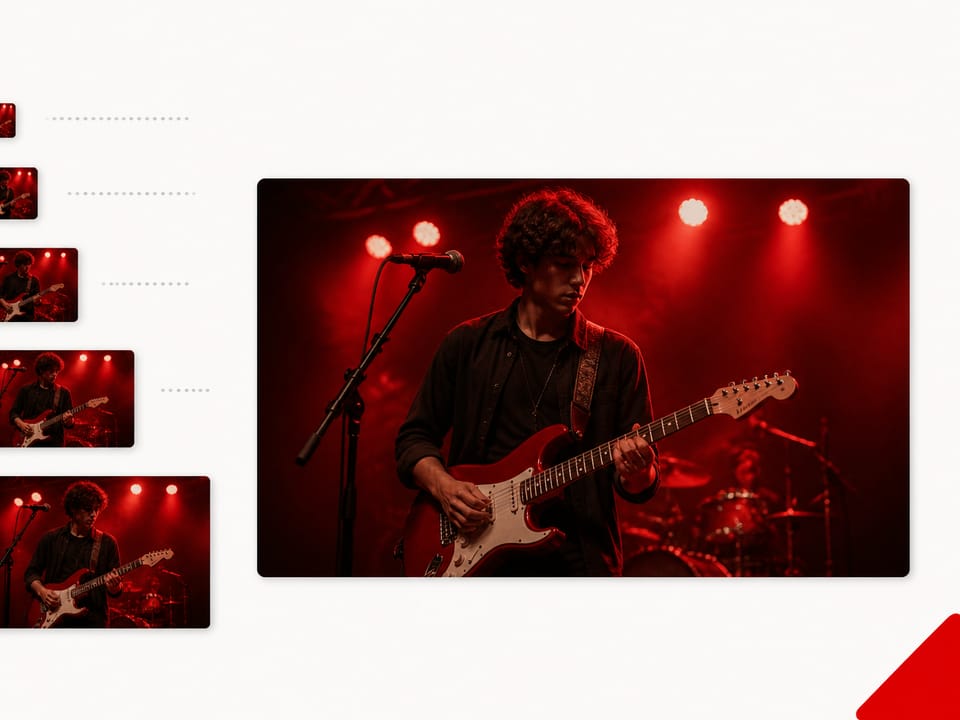
The tool instantly shows each thumbnail resolution the video has, so you can compare quality before saving.
Step 3
Click download on the size you want. If the video has no maxres image, the next-best size is still there to save.
Why choose
Other downloaders promise 4K, zip packs, and storyboard frames. Here is what you actually get.
The grid lists default, mq, hq, sd, and maxres when YouTube actually stored them. A 120×90 stand-in is not shown as HD.
Thumbnails load from img.youtube.com in your browser. The URL is not uploaded here and is not written to a log we keep.
No Chrome or Firefox extension, no APK, no account. Paste a public watch, Shorts, live, Music, or youtu.be link and save a JPG.
maxresdefault is usually 1280×720. This page does not advertise 1920×1080 or 4K unless that file is what YouTube returned.
Limits and tips
Practical tips, limits and common fixes before you run the tool. These are product constraints, not legal small print.
Use cases
Jobs people use a thumbnail downloader for — written from how this tool works, not from leftover keywords.
Input: A public watch or youtu.be URL from a video in your niche
Setting: Leave the default — the grid already requests every named size
Output: Side-by-side JPGs so you can judge face crop and contrast at 320×180 and at 1280×720
Caveat: The file is still that creator’s artwork. Use it as reference, not as your upload.
Input: The video you are writing about
Setting: Prefer maxres if the card is there; otherwise sd or hq
Output: A clean JPG without the YouTube chrome that a screenshot would include
Caveat: Credit the video. This is a still of their thumbnail, not a license to republish it as yours.
Input: Your own video URL or a live archive
Setting: Read the grid: a missing maxres card means YouTube never stored that file
Output: A yes/no on 1280×720, plus the largest real fallback
Caveat: Older uploads and some livestreams skip maxres. That is YouTube, not a broken downloader.
Input: A /shorts/, /live/, or music.youtube.com link
Setting: Paste the link as-is — the ID is enough
Output: The same public thumbnail files those pages already load
Caveat: Shorts are often stored as 16:9 with the vertical frame centered. There is no separate 9:16 file on this CDN.
Sizes
Same names on every public video. Not every name has a real picture.
The tiny file used in some mobile lists and notifications. Always there. Not a substitute for HD.
16:9 medium. Close to what search and related-video rows show on a phone.
4:3 with black bars on most modern videos. Same picture, padded. Crop if you need 16:9.
Also 4:3 with bars. Missing on some videos. When it exists it is larger than hq, not cleaner.
The large 16:9 file when YouTube stored one. This page does not treat a 120×90 fallback as maxres.
Some sites also list 1.jpg, 2.jpg, 3.jpg, and hq720.jpg. Those are extra stills, often 120×90. This downloader stays on the five named sizes so the grid matches what you came here to save.
Use of the file
The thumbnail is the creator’s artwork. Fetching it here is the same public CDN request a watch page already makes. It is not a scrape of the video file and it is not a license.
Using a still while you review, teach, or comment on that video is the usual fair-use conversation. Uploading their cover as yours is not. If you need a commercial reuse, ask the channel. This paragraph is not legal advice.
FAQ
Questions from live search, answered from what this downloader actually does.
Paste a watch, youtu.be, Shorts, or live URL — or the 11-character video ID — and click Get thumbnails. Then download the size you want as a JPG. Nothing is uploaded and nothing is stored.
YouTube stores up to five files: default 120×90, mq 320×180, hq 480×360, sd 640×480, and maxres 1280×720. Not every video has maxres. Older or low-resolution uploads may stop at hq or sd; the grid shows only the sizes that actually exist.
Yes. Paste a livestream or /live/ URL that still has the 11-character video ID. You get the same public thumbnail files a regular watch page already loads. Live and older uploads often skip the 1280×720 file; the grid then shows the next real size.
No. This is a webpage. You do not install a Chrome or Firefox extension, an Android APK, or a desktop app. Paste the link and download from the grid.
Yes. The downloader is free for public videos: no account, no watermark, and no daily cap.
Yes. It runs in mobile Safari and Chrome. After the images load, long-press to save or tap Download.
No. This page only fetches the cover YouTube already stored. It does not design a new thumbnail, pick fonts, or export a Photoshop file. For those jobs you need a maker or editor.
If YouTube stored a real maxres file, that card is 1280×720 — the usual official cover size. If the card is missing, save the next size down. The tool never invents a fake HD image.
Yes. A Shorts link still carries the 11-character video ID. Paste the full Shorts URL and you get the same JPG sizes YouTube stored for that Short.
Yes. A youtu.be/VIDEO_ID link is enough. The tool reads the ID from the path and lists every thumbnail file that actually exists for that video.
Yes. If you already have the 11-character ID, paste those characters alone. You do not need to rebuild a watch URL first.
No. Nothing is uploaded and there is no login. The link stays in this browser; the images load from YouTube's thumbnail servers and are not stored here.
YouTube's own JPG. There is no PNG export and no Photoshop file. If you need a layered template, that is a different kind of tool.
Yes. music.youtube.com and m.youtube.com watch links work like youtube.com, as long as the 11-character video ID is in the URL.
The JPG is the creator’s artwork, same as the video. This page only requests the public file a watch page already loads. Using that still for commentary, review, or education is a common fair-use discussion. Re-uploading someone else’s cover as your own is not. This is not legal advice.
No. This page only shows the five named cover sizes (default through maxres). Extra storyboard stills some other sites list are a different job.
Ready
Paste a public watch, Shorts, live, or Music link. The grid shows every named size YouTube stored.
Download a thumbnailYour feedback helps us make YouTubeThumb.com better.

Thank you for your feedback